Stop spam on your forms
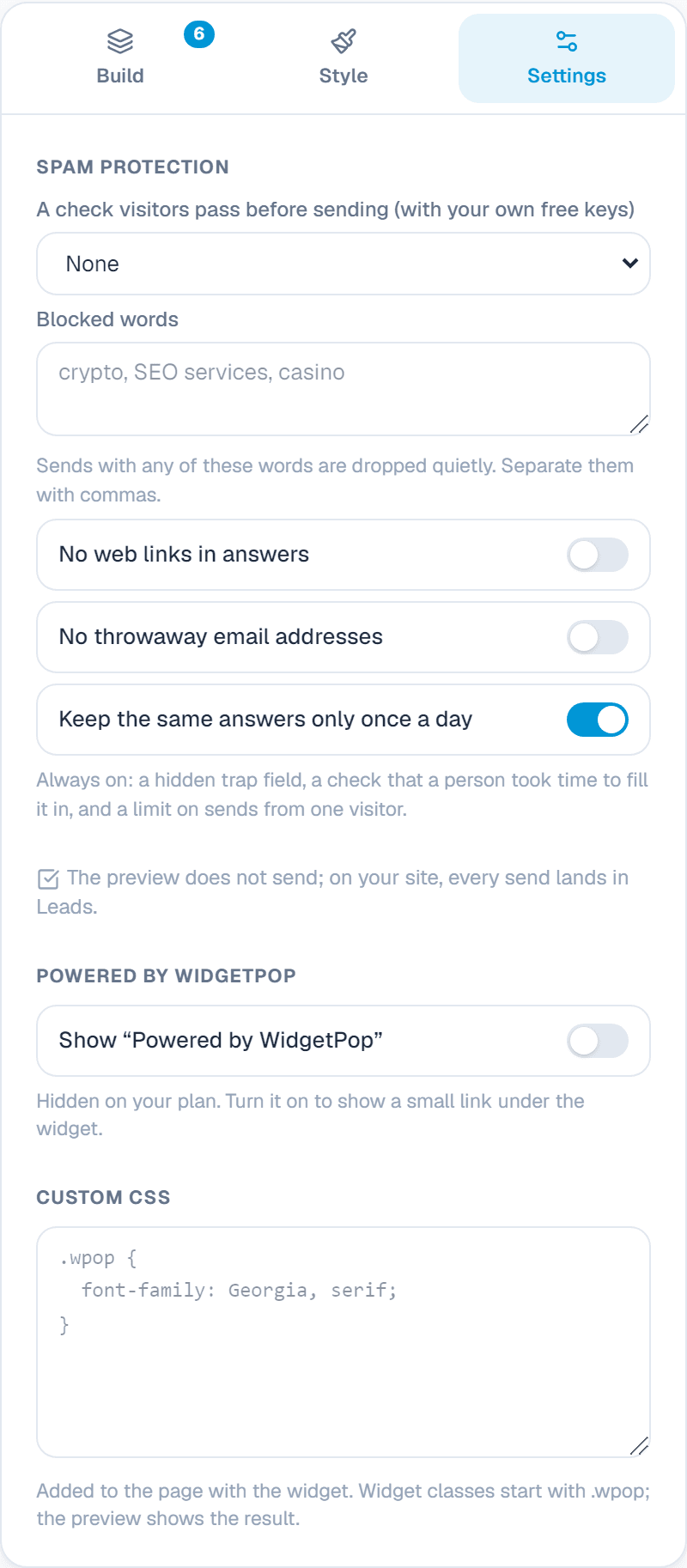
What every form does already, and how to add a spam check.
On every form already
- A hidden trap that only bots fill in.
- A minimum time to fill in the form: bots are too fast.
- A limit on how many messages one visitor can send in a few minutes.
- The same message twice in a day is kept once.
Extra rules you can turn on
- Blocked words: messages with these words are dropped quietly.
- No web links in answers.
- No throwaway email addresses.
Add a spam check (Turnstile, hCaptcha or reCAPTCHA)
- 1In the form's Settings tab, open Spam protection and pick the service.
- 2Make a free account with it and add your website there. Cloudflare Turnstile: dash.cloudflare.com, Turnstile. hCaptcha: dashboard.hcaptcha.com. Google reCAPTCHA: google.com/recaptcha/admin.
- 3Copy the site key and the secret key into the two boxes and save.
Your secret key is kept encrypted and never shown again. To change it, type the new one and save.
About this widget
Related guides
Still need help?
Tell us what you're trying to do. A real person replies, usually within one working day.