Add a contact form to your website
A contact form, a quote request, a booking or a survey. Pick a ready form or build your own, choose where the messages go, and paste one line of code. Every message is emailed to you and kept in your Leads page.
- Free plan
- No credit card
- Works on any website
yourwebsite.com
The real form. Try it: nothing is sent from this page.
How it works
How to add a contact form to your website
Build it, set where messages go, paste the code.
Start from a ready form
Contact, quote request, booking, event sign-up, feedback, job application and more. Or start blank and add the questions you need.
Choose what happens after
Who gets the email, the thank-you message or page, and an optional WhatsApp chat with the answers filled in.
Paste the embed code
Add your website, copy the code and paste it once. Change a question later and your site follows on its own.
Features
A form that works the day you add it
20+ field types
Text, email, phone with country code, dates, dropdowns, picture choices, ratings, sliders, a signature and more.
Spam stays out
Hidden traps for bots, a send limit, Cloudflare Turnstile, hCaptcha or Google reCAPTCHA, and blocked words.
Every lead in one place
Messages are saved in Leads, with a status, a star and notes. Search them, or download a spreadsheet (paid plans).
Reply in one click
Lead emails come to your inbox. Press Reply and you are writing to the person who sent the form.
Rules for some answers
Email a different person, send people to another page, or post to Zapier when an answer matches (paid plans).
Multi-step forms
Split a long form into steps with a progress bar, dots or numbers (paid plans).
Your look
Your colours, labels above, inside or beside the boxes, and clear error messages in your style.
Made for phones
The right keyboard for each answer, big buttons, and a form that fits the screen.
Designs
Make it look like your site
The same form, styled to match.
Labels on top
The classic look: the question above each box.
Floating labels
The question sits inside the box and moves up when people type.
Side labels
Questions on the left, boxes on the right, for wide pages.
Steps
One part at a time, with a bar, dots or numbers showing how far along they are.
Everything included
Everything in the contact form widget
Every design and setting you can use. Most are on every plan; the few that need a paid plan say so.
Questions
- Short and long text, email, phone with country code, number and website
- Date, time, month and week, with only future, past or weekday dates if you want
- Dropdowns, single and multiple choice, buttons and picture cards
- Country list, rating stars, slider, on/off switch and a consent box
- Signature pad and a text box with bold, lists and links
- Hidden fields, headings and short paragraphs
- Show a question only when an earlier answer matches
Spam protection
- A hidden trap field and a minimum time to fill in
- A limit on sends from one visitor
- Cloudflare Turnstile, hCaptcha, or Google reCAPTCHA v2 or v3
- Block words, web links and throwaway email addresses
- The same message twice in a day is kept once
After someone sends it
- A thank-you message, another page, or a WhatsApp chat with their answers
- An email to you or up to 5 people, where Reply goes to the visitor
- A thank-you email to the visitor, from your business name (paid plans)
- Send it from your own email address, like [email protected] (paid plans)
- Post each lead to Zapier, Make or your CRM (paid plans)
Leads
- Every message saved in your Leads page
- Statuses, stars, notes and search
- Download as a spreadsheet (paid plans)
- Free: 50 leads a month. Paid: no limit
Who it is for
What people build with it
Contact and quote forms
Name, email, what they need and their budget, sent straight to your inbox.
Bookings and sign-ups
A date, a time and how many people, with a thank-you message or a WhatsApp chat after.
Feedback and surveys
Star ratings, sliders and choices, with every answer kept in one list.
Works everywhere
Add your form anywhere
Copy the embed code from your dashboard, then:
- WordPress
- Add a Custom HTML block and paste the code.
- Shopify
- Add a Custom Liquid section and paste the code.
- Wix
- Add an Embed Code element and paste the code.
- Squarespace
- Add a Code block and paste the code.
- Webflow
- Drag in an Embed element and paste the code.
- Any HTML site
- Paste the two lines where the form should appear.
Common problems
Form not working? Check these first
Most problems have a quick fix. Find yours below.
I'm not getting the emails
Look in Leads in your dashboard first: every message is saved there. Then check the address under Email me each lead, and your spam folder.
Visitors say the spam check won't load
Check that the site key and secret key belong to the same service you picked, and that your website is added in that service's settings.
Real people are being blocked
Look at your blocked words: a common word blocks more than you think. Turning off Block web links helps if people paste their own website.
Nothing shows on my website
Add your website in the Install tab, under Allow your website, then open the live page (not your builder's editor). Still blank? Right-click the spot, choose Inspect, and look for a [widgetpop] line in the Console tab.
Still stuck? Email [email protected] and we usually reply within a day.
Help center
Contact Form guides
Step by step, with screenshots of the dashboard.
- Contact form widgetEvery feature of the contact form, and when to use it.
- Stop spam on your formsWhat every form does already, and how to add a spam check.
- Add a widget to your websiteAllow your website, paste the code, and check it's live.
- My widget doesn't show on my websiteThe usual reasons, and how to fix each one.
FAQ
Contact form widget: questions
How do I add a contact form to my website?
Create a form widget, pick a ready form or build your own, set your email, and paste the embed code into your page.
Where do the messages go?
To your email, and into Leads in your dashboard, where nothing gets lost even if an email does.
How do you stop spam?
Every form has hidden bot traps and a send limit. You can add Cloudflare Turnstile, hCaptcha or Google reCAPTCHA, and block words, links and throwaway emails.
Is it free?
Yes. The free plan takes 50 leads a month. Paid plans have no limit and add thank-you emails, rules, steps, webhooks and spreadsheet downloads.
Can people upload files?
Not yet. Ask them to paste a link to the file in a text box for now.
More widgets
One account, every widget
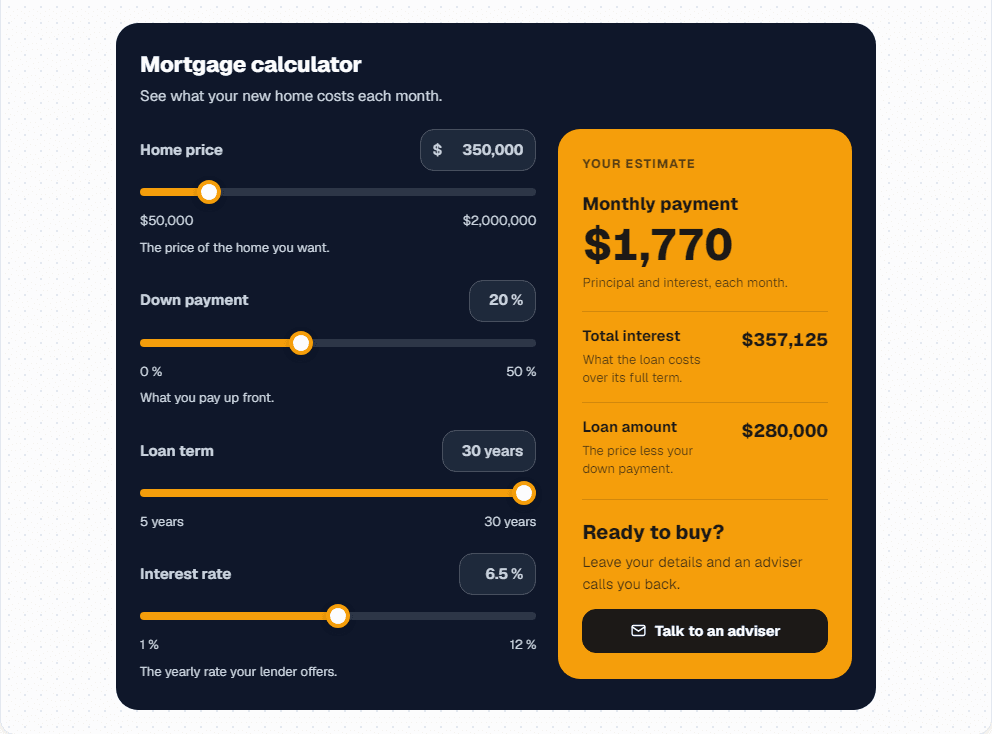
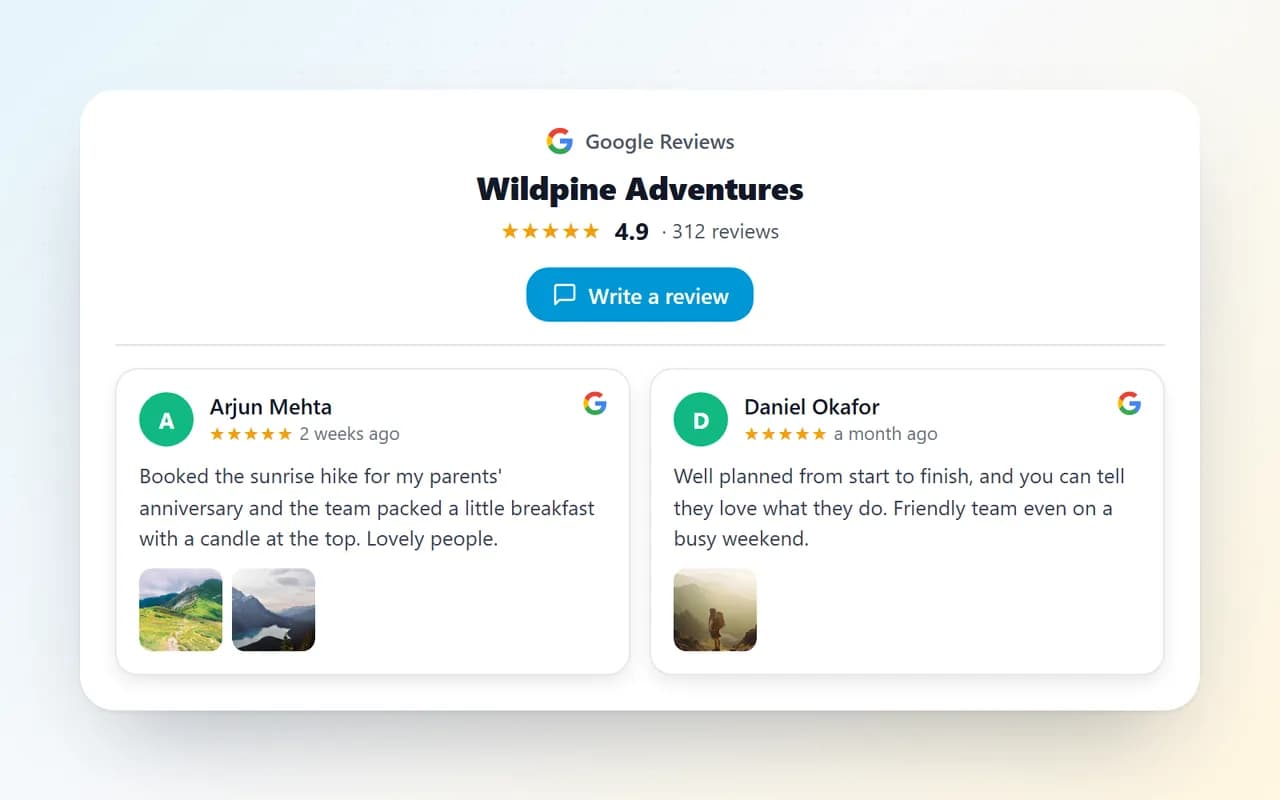
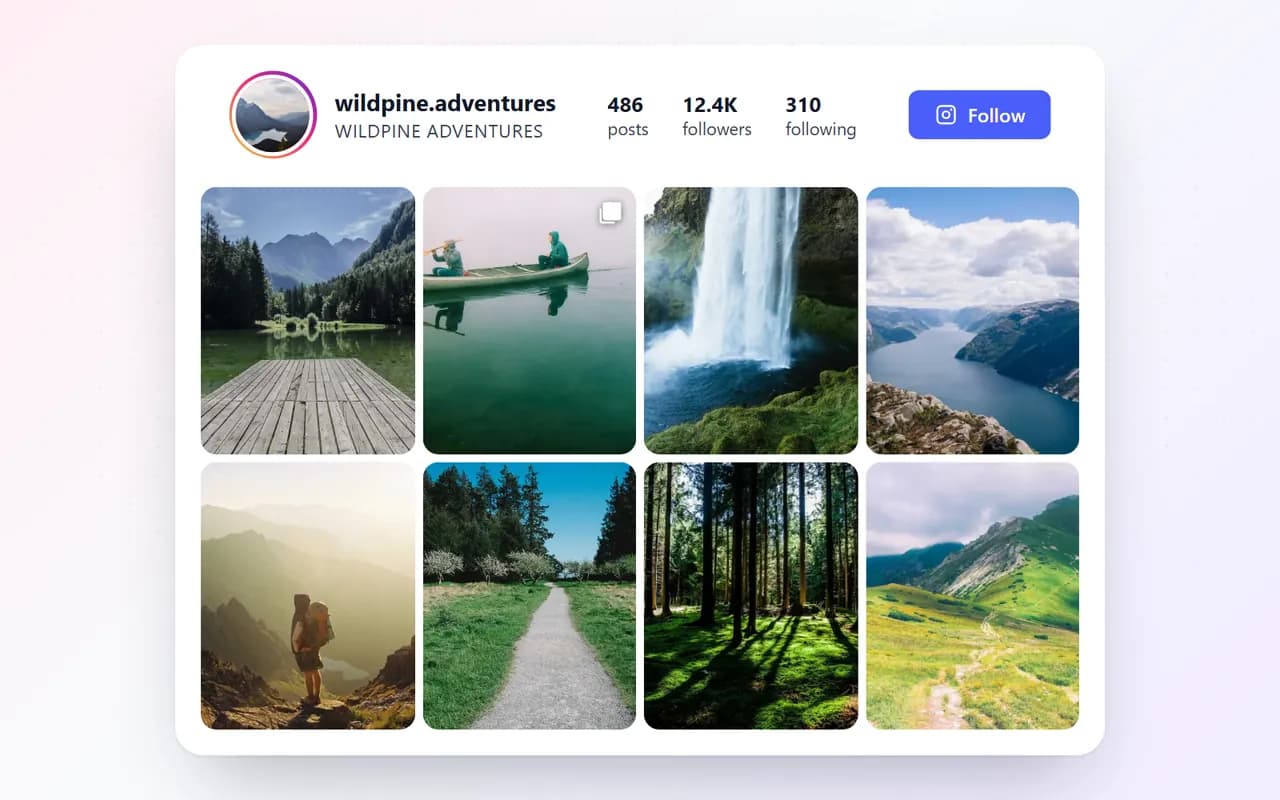
Use them together on the same site, from the same dashboard.
Pricing
Start free. Upgrade when it pays off.
No credit card to start. Cancel any time.
Starter
/month
- 1 website
- Unlimited widgets
- Unlimited views
- Remove “Powered by WidgetPop”
- Email support
Pro
/month
- 3 websites
- Unlimited widgets
- Unlimited views
- Remove “Powered by WidgetPop”
- Priority email support
Agency
/month
- 10 websites
- Unlimited widgets
- Unlimited views
- Remove “Powered by WidgetPop”
- Priority email + chat support
Pick any of our widgets on every plan. Analytics included.
Prices in US dollars. Tax, where it applies, is added at checkout.
Add a contact form to your site
Free plan, no credit card. Your form is ready in a few minutes.
Create your free widget