Get more Google reviews
A review link and a printable QR poster for your counter.
- 1Open Get reviews in the menu and pick your business.
- 2Copy the review link and send it to customers by email, WhatsApp or text. It opens Google's own review form.
- 3Or print the QR poster for your counter, door or receipts. Customers scan it and write a review on their phone.
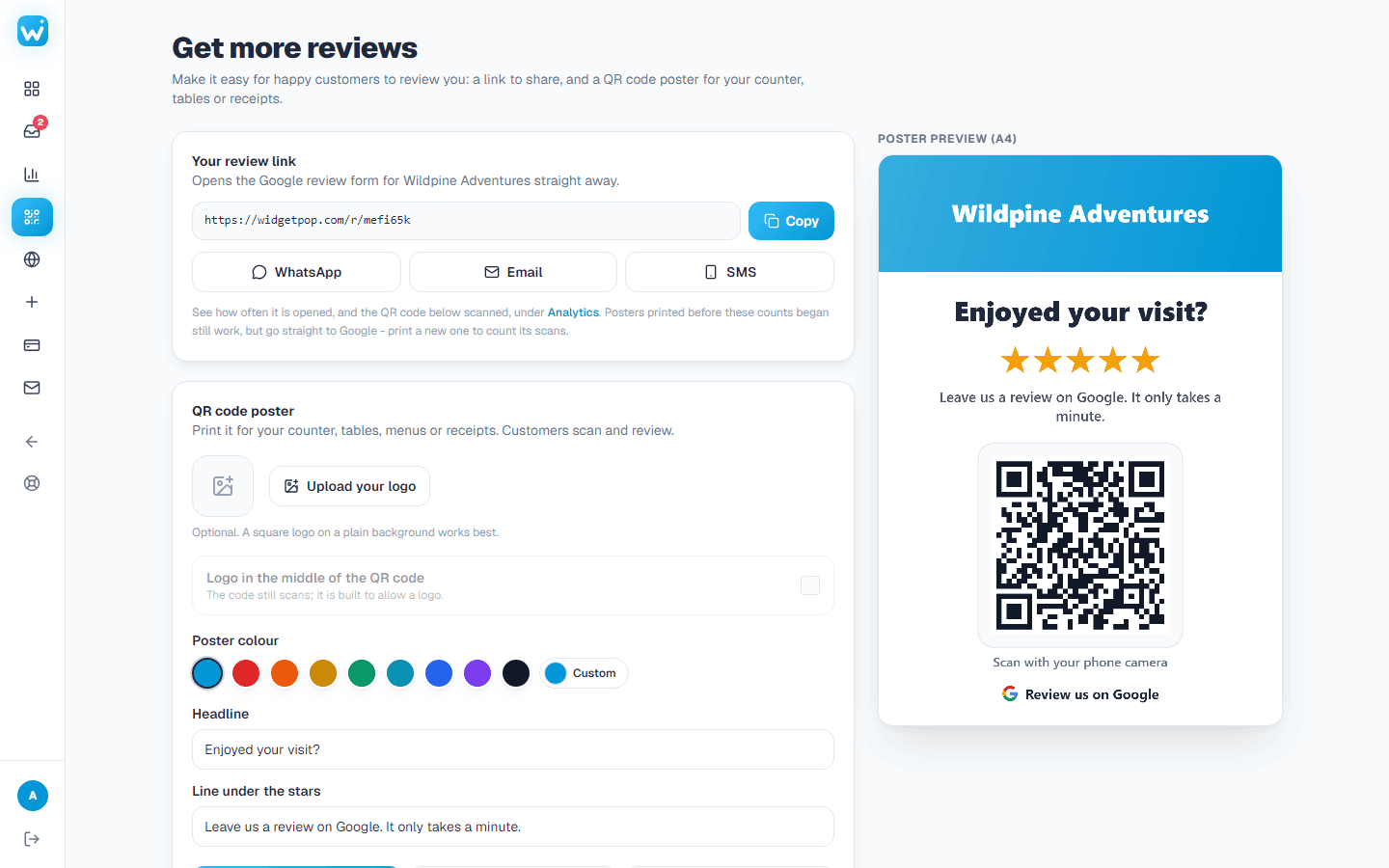
On paid plans the page counts how many people scanned your poster.
About this widget
Related guides
Still need help?
Tell us what you're trying to do. A real person replies, usually within one working day.