Add a number counter to your website
Put your best stats on your website: customers, years, a rating, a goal. They count up when a visitor reaches them. Paste one line of code.
- Free plan
- No credit card
- Works on any website
yourwebsite.com
The real widget, with a sample business. Try it.
How it works
How to add a number counter to your website
Type your numbers, choose a look, paste the code.
Add your numbers
Type each stat, or connect a Google place so its rating and review count fill in by themselves.
Choose the look
Stack them, center them, or put the icon beside the number. Set the columns, size, colours, a goal ring and a growth line.
Paste the embed code
Copy one snippet into your website. Change the numbers any time in your dashboard; the site updates without touching the code.
Features
Stats that do more than count
Counts up on scroll
The number runs once, when it comes into view, and eases onto the final figure.
One hero number
Make the stat that matters larger than the rest, so the row looks like a homepage, not a grid of equals.
Google rating and reviews
Connect a place and a counter can show its rating or review count, and update when Google does.
A goal ring
Set a target, such as 43 of 50, and a ring fills as you get closer.
A growth line
Add a short line such as +18% this year, in green or red, under the number.
Every layout from settings
Stacked, centered or icon beside. One to five columns, a card, a colour, or a photo you upload behind the numbers.
Numbers any visitor can read
Commas, dots or spaces, decimals, and a short form: 1.2K, 3.4M, 2.1B. You type $, € or £ yourself.
Fits a phone
One or two columns on a small screen. People who prefer less motion see the final number straight away.
Designs
Three ways to arrange each number
The same settings make a light row, dark cards, a single huge figure or an icon beside the stat.
Stacked
Icon, number, then the label, lined up on the left.
Centered
The same stack, in the middle. Best for a big hero number.
Beside
The icon sits next to the number and its label.
Everything included
Everything in the number counter widget
Every design and setting you can use. Most are on every plan; the few that need a paid plan say so.
Your numbers
- As many numbers as you need, each with its own label and icon
- Built-in icons, or a small picture of your own
- Your Google rating and review count, kept up to date by itself
- Numbers count up when visitors scroll to them
- 1,000 or 1.000 or 1 000, the way your country writes it
Designs
- Classic, a strip with thin lines, a slim bar, bento tiles, rings, a timeline, or a heading beside the numbers
- Numbers in a row, in the middle, or with the icon beside
- Columns for computers, tablets and phones, set apart
Your look
- Number, label and icon sizes, for each screen size
- Your site's font, a serif or a mono
- Bold or regular, italic if you want
- Colours for numbers, labels, the heading and icons
- A card behind each number, and icons in circles
Around it
- A heading on the left or in the middle
- Nothing behind it, a soft panel, your colour or a photo with a shade
- Width, corners and padding
- How fast it counts, from quick to calm
Who it is for
Where a counter earns its place
Home page
Customers served, years in business and your Google rating, under the headline.
About page
Projects finished, cities you ship to, and a goal you are working toward.
A service business
A satisfaction rate with a ring, and a growth line for this year.
Works everywhere
Add your counter anywhere
Copy the embed code from your dashboard, then:
- WordPress
- Add a Custom HTML block and paste the code.
- Shopify
- Add a Custom Liquid section and paste the code.
- Wix
- Add an Embed Code element and paste the code.
- Squarespace
- Add a Code block and paste the code.
- Webflow
- Drag in an Embed element and paste the code.
- Any HTML site
- Paste the two lines where the numbers should appear.
Common problems
Counter not working? Check these first
Most problems have a quick fix. Find yours below.
The numbers don't count up, they just appear
That device probably has Reduce motion turned on (in the phone's accessibility settings, or Animation effects on Windows). People who ask for less motion see the final number straight away, on purpose.
It counted up before I got to it
It counts once, the moment the numbers come into view. If they sit at the very top of the page, that happens as soon as the page opens. Lower on the page, it waits for the visitor to scroll there.
My Google rating shows the number I typed
Check the Google place is connected and the number is set to Google rating or Google review count. Until Google can be read, the widget shows the number you typed instead of an empty space.
It says 1.2K and I want the full number
Turn off the short form for that number. You can also pick commas, dots or spaces between the thousands, the way your visitors write numbers.
The currency sign is missing
The counter doesn't add $, € or £ for you. Type the sign yourself in that number's settings.
It's squashed on phones
Columns for phones are set apart from computers. Choose one or two columns for phones, and a smaller number size if you need it.
Nothing shows on my website
Add your website in the Install tab, under Allow your website, then open the live page (not your builder's editor). Still blank? Right-click the spot, choose Inspect, and look for a [widgetpop] line in the Console tab.
Still stuck? Email [email protected] and we usually reply within a day.
Help center
Number Counter guides
Step by step, with screenshots of the dashboard.
FAQ
Number counter: questions
How do I add a number counter to my website?
Create the widget, type your numbers, and paste the embed code where they should show. They count up when a visitor scrolls to them.
Can the counter show my Google rating?
Yes. Connect the Google place and set a number to Google rating or Google review count. If Google cannot be read, the number you typed is shown instead.
Can I show a goal, like 43 of 50?
Yes. Add a goal on that number and a ring fills toward it while the figure counts up.
How many numbers can one widget show?
Up to 12, on every plan.
Does it work on WordPress, Shopify and Wix?
Yes, on any site where you can paste HTML: WordPress, Shopify, Wix, Squarespace, Webflow or your own code.
Will it slow down my website?
No. It is one small script that loads after your page and only animates when the numbers are on screen.
More widgets
One account, every widget
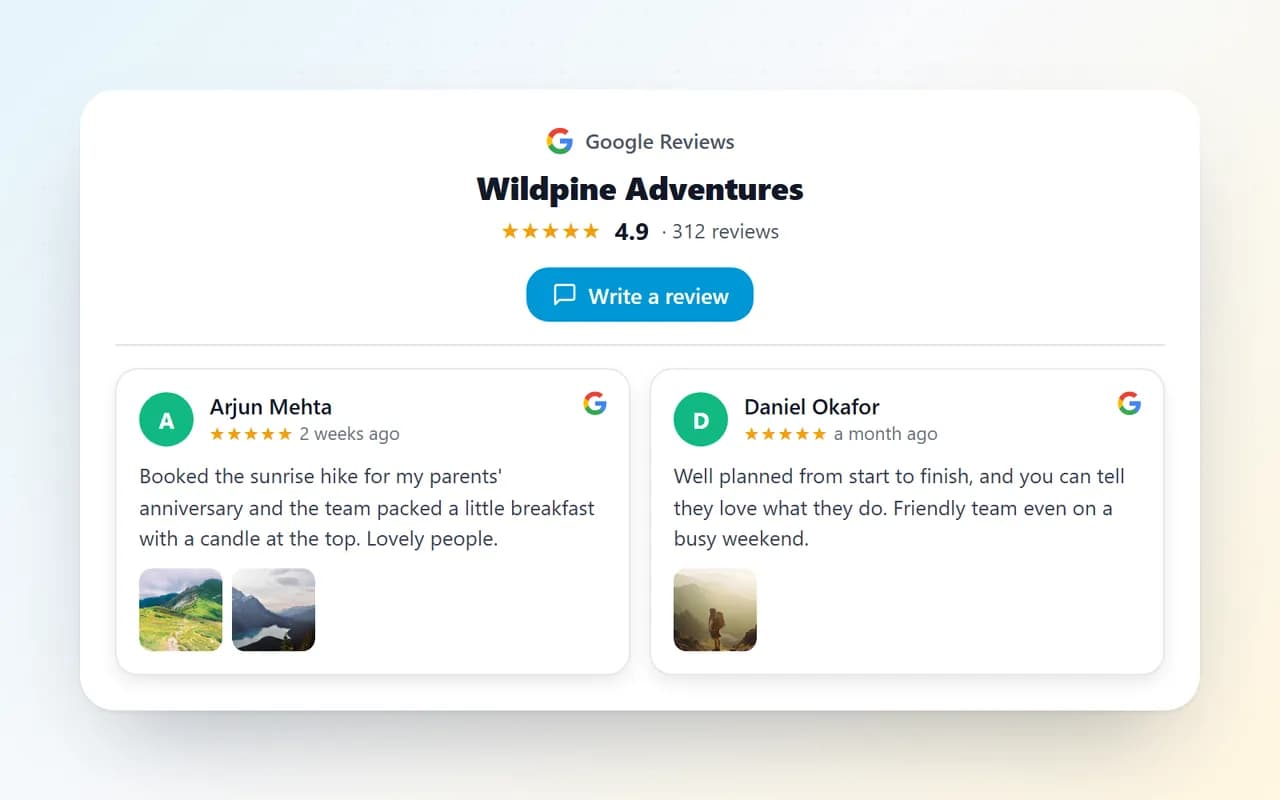
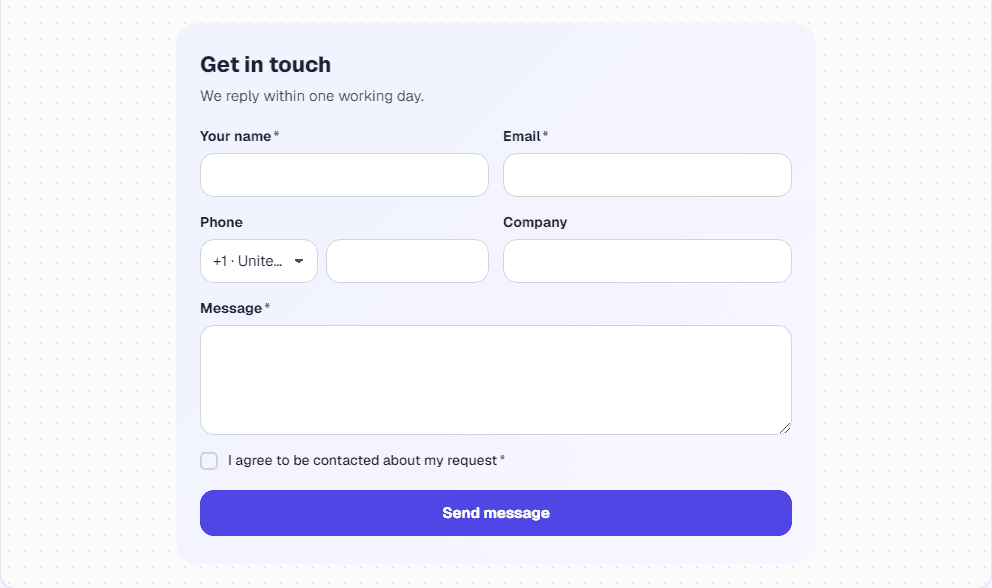
Use them together on the same site, from the same dashboard.

Pricing
Start free. Upgrade when it pays off.
No credit card to start. Cancel any time.
Starter
/month
- 1 website
- Unlimited widgets
- Unlimited views
- Remove “Powered by WidgetPop”
- Email support
Pro
/month
- 3 websites
- Unlimited widgets
- Unlimited views
- Remove “Powered by WidgetPop”
- Priority email support
Agency
/month
- 10 websites
- Unlimited widgets
- Unlimited views
- Remove “Powered by WidgetPop”
- Priority email + chat support
Pick any of our widgets on every plan. Analytics included.
Prices in US dollars. Tax, where it applies, is added at checkout.
Add a number counter to your site
Free plan, no credit card. Your first stats are ready in a minute.
Create your free widget