Your leads
Every message from your forms, calculators and popups in one place.
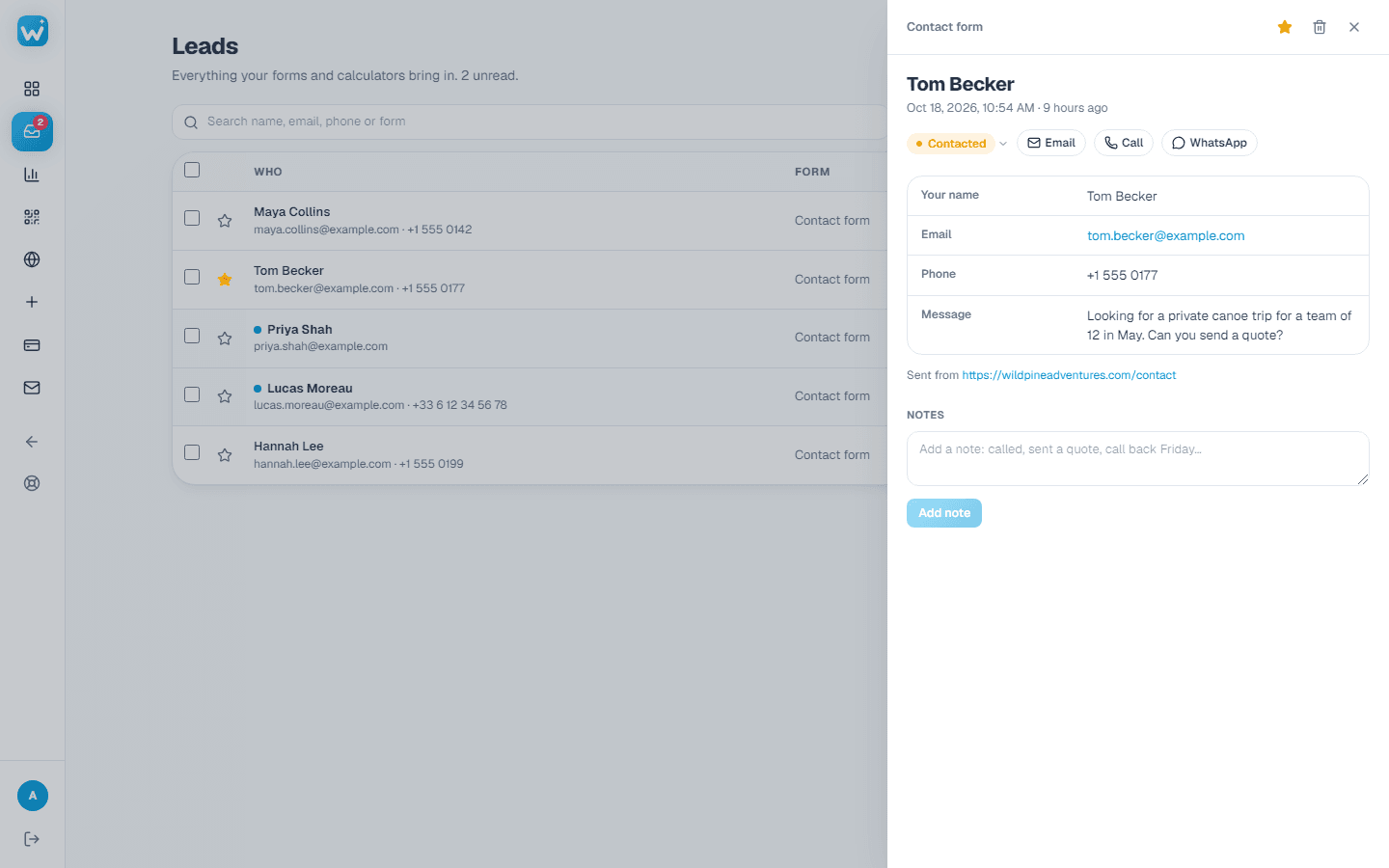
- 1Open Leads in the menu. Newest first; unread ones are bold.
- 2Click a lead to see every answer, the page it came from, and a calculator's results.
- 3Give it a status (New, Contacted, Won or Lost, or your own), a star or a note, so your team knows where it stands.
- 4Search, filter by form or status, or download the list as a spreadsheet (paid plans).
Limits
- Free: 50 leads a month across all your forms.
- Paid plans: no limit.
Related guides
Still need help?
Tell us what you're trying to do. A real person replies, usually within one working day.