Log in, password and account
Log in with a code, change your password, and keep your account safe.
- Forgot your password? On the log-in page, ask for a login code by email instead.
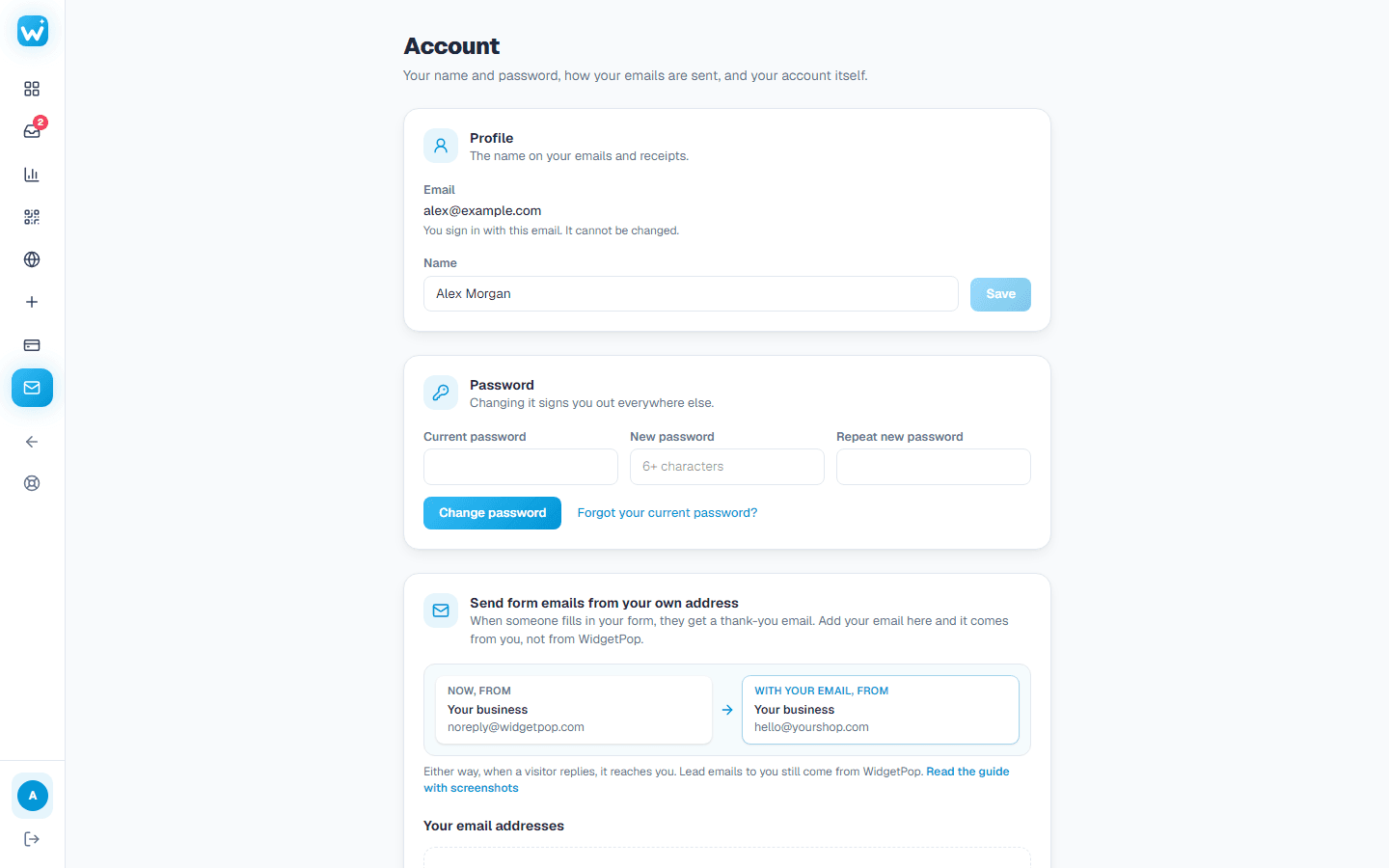
- Change your password in Account & email. It signs you out on every other device.
- After 10 wrong passwords in a row, password log-in pauses for 15 minutes and we email you. A login code still works.
- Deleting your account needs a code sent to your email, and cancels any paid plan first.
Related guides
Still need help?
Tell us what you're trying to do. A real person replies, usually within one working day.